
Innovista Digital / Templates / PHOSPHOR
PHOSPHOR, a website that boots like a terminal.
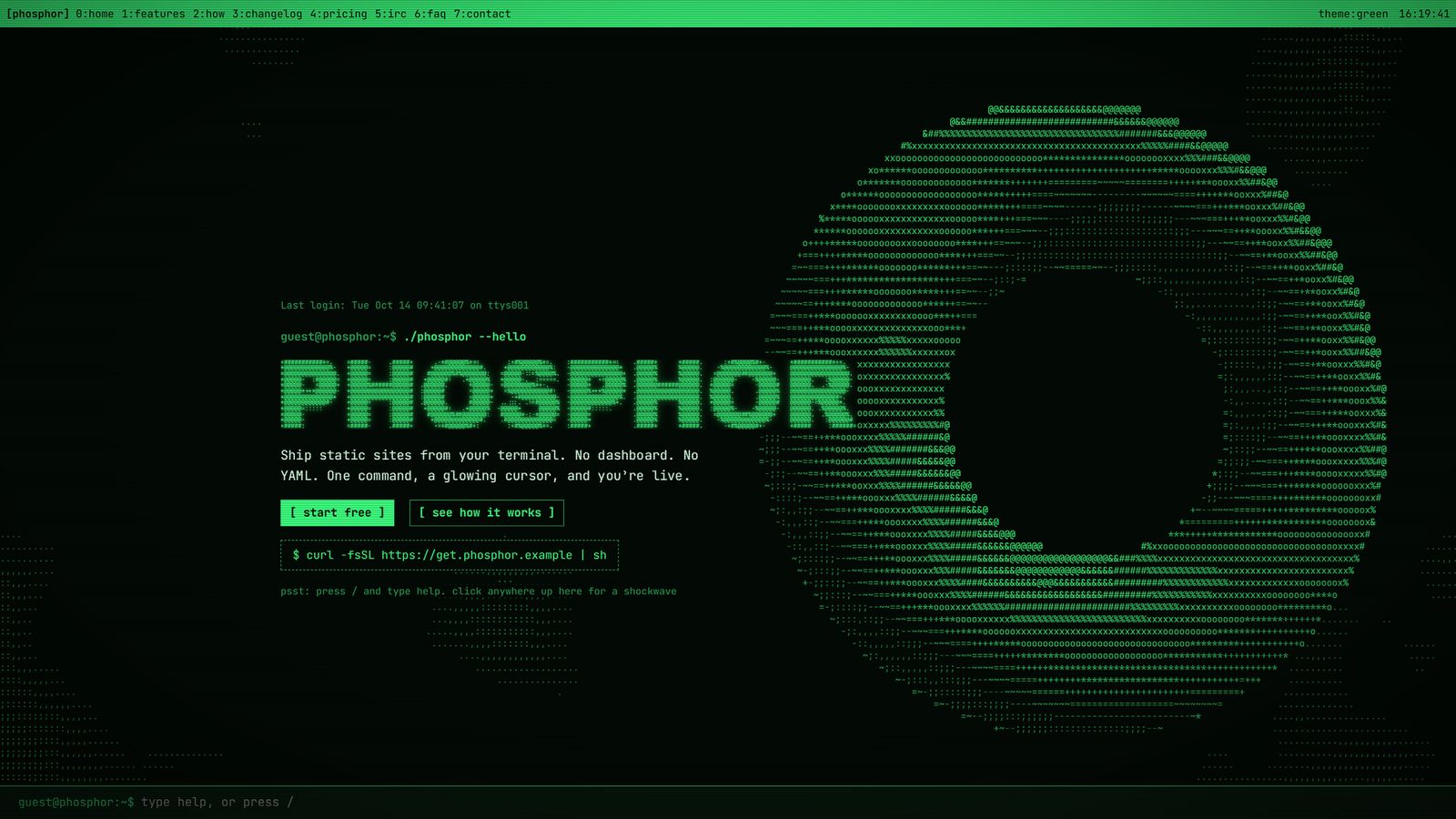
A terminal-style one-page website template for developer tools, indie products and anyone who wants a glowing CRT on the web. For Framer and for plain HTML.
What it is
A live ASCII terminal, editable like any website.
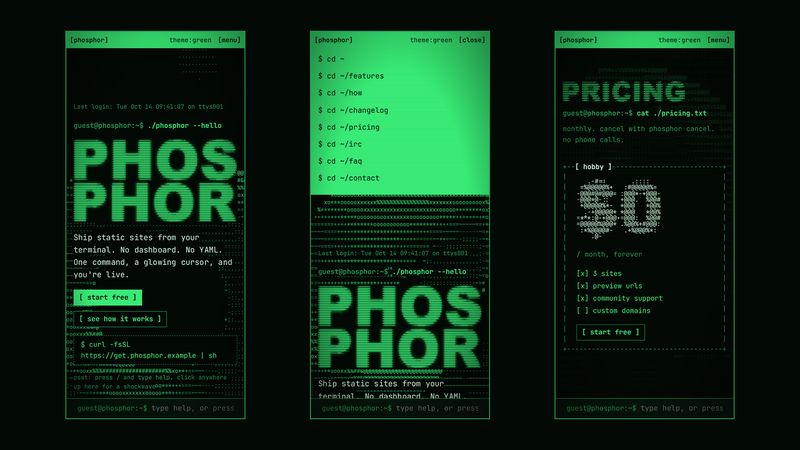
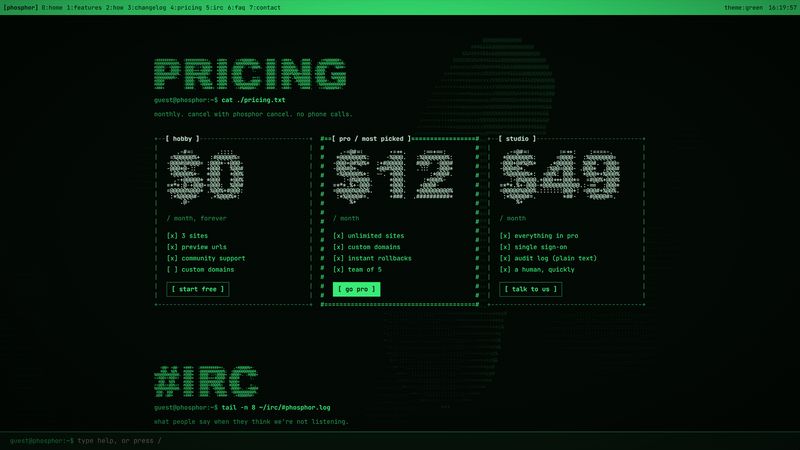
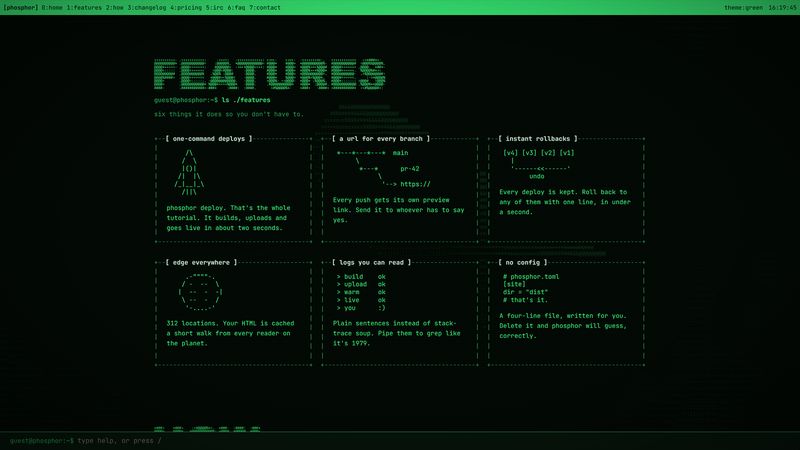
The background of PHOSPHOR is a real-time 3D scene, a twisting torus that can melt into a blob, drawn entirely in ASCII characters by the graphics card. It follows the pointer, sends out a shockwave when you click, and turns into digital rain on command. Headings are rendered as ASCII art from any word you type. Cards sit in +--[ ]--+ frames, and a sticky tmux-style status bar keeps the time.
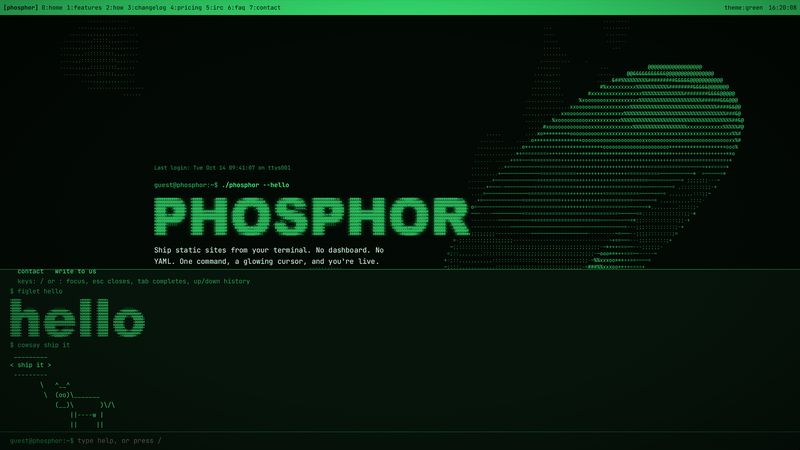
At the bottom of every page is a command line that works. Visitors press / and type help, then matrix, theme amber, figlet hello or cowsay. You can add your own commands that print a message or open a link, which makes it a navigation menu nobody forgets.
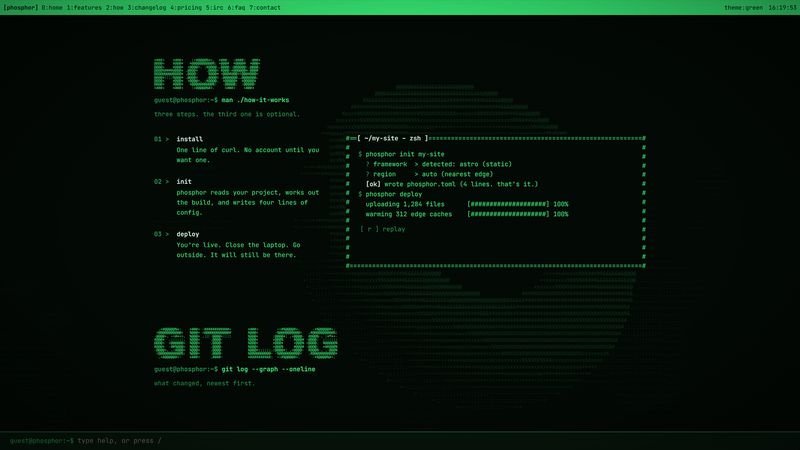
Under the effects it is an ordinary, well-built site: a hero, features, how it works, a changelog written as a git log, pricing, testimonials as an IRC chat log, an FAQ as a Unix man page, a contact form and a custom 404 page, on desktop, tablet and phone.
What's inside
Everything in the template
Live ASCII background
A WebGL scene drawn as characters: torus or blob, digital rain, speed, character size, pointer glow and click ripples.
ASCII art headings
Type any word and get ASCII art sized to fit, with a separate version for phones. The real heading stays in the page for search engines.
Four colour themes
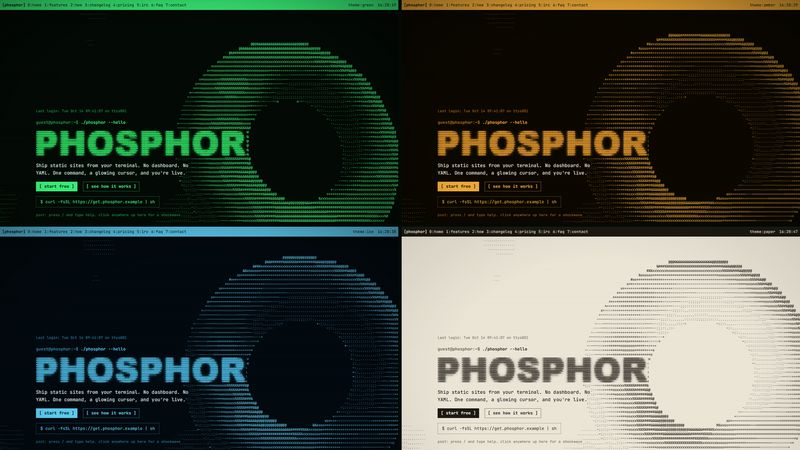
Green, amber, ice and paper, switchable by visitors. Six colours drive the whole site, background included.
Working command line
Built-in commands plus your own, each printing text or opening a link. Tab completion and history included.
Terminal demo
A terminal that types itself line by line, with progress bars, when it scrolls into view.
Boot screen and CRT
A BIOS-style boot on the first visit, scanlines, vignette and flicker, all adjustable or switched off.
Content sections
Features, steps, a git-log changelog, pricing, an IRC testimonial log, a man-page FAQ, a contact form and a 404 page.
Responsive
Desktop, tablet and phone layouts, with a terminal-style drawer menu on phones.
Accessible and fast
Real headings and text behind every effect, reduced-motion support, and a background that computes one value per character, not per pixel.
Which edition
Framer or HTML?
| Framer edition · $49 | HTML edition · $29 | |
|---|---|---|
| You get | A remix link that copies the project into your Framer account | A zip with index.html, CSS and JavaScript |
| Editing | Visually in Framer, lists in the CMS, no code | In a code editor |
| Hosting | Framer (free or paid Framer plan) | Anywhere: Cloudflare Pages, Netlify, GitHub Pages, your server |
| Pages | Home and 404, desktop, tablet and phone | Home, responsive |
| Themes and shell | Yes, plus a Framer AI skill to apply themes | Yes |
| Best for | Founders and designers who want to edit without code | Developers who want full control of the code |
Questions
Frequently asked
What is the difference between the Framer and HTML editions?
The Framer edition is a Framer project you remix into your own Framer account: every word, price and colour is edited visually, lists live in the CMS, and Framer hosts it. The HTML edition is a folder of plain HTML, CSS and JavaScript with no build step that you can host anywhere; you edit it in a code editor.
How do I get the template after buying?
Right after payment the thank-you page shows your link, and an email with the same link arrives from [email protected] within a minute. The Framer edition is a remix link; the HTML edition is a zip download.
Do I need to know how to code?
Not for the Framer edition: text, buttons, prices, the ASCII headings, the terminal demo and the shell commands are all edited in Framer's panels and CMS. The HTML edition is for people comfortable editing HTML.
Does the animated background work on phones?
Yes. The ASCII background runs on WebGL, which every current browser supports, and keeps its cost low by computing one value per character cell. Visitors who ask their system for reduced motion get a still background.
What licence do I get?
A single-use licence: one website per purchase, your own or a client's. You may change everything; you may not resell or share the template files.
What if it doesn't work for me?
Email [email protected] within 14 days of buying and we will fix the problem or refund you.